Performance optimization has always been one of those areas where the advice sounds simple until you actually have to apply it to a real application. Everyone knows the usual recommendations: minify assets, cache static files, lazy-load images, remove unnecessary JavaScript, and improve Core Web Vitals. The difficult part is that none of those recommendations exist in isolation, and once you are working inside a mature CMS application with years of custom components, dependencies, and third-party integrations, every "simple" optimization can have side effects.
I recently worked through a fairly deep PageSpeed optimization effort on a large Sitefinity site using an ASP.NET Core Renderer, and the interesting part for me was not just the improvement in Lighthouse results. What became more valuable over time was the set of patterns that emerged while doing the work. I started noticing that many of the decisions I was making were not really project-specific decisions anymore. They were repeatable engineering rules that I could potentially use again on another Sitefinity or .NET project.
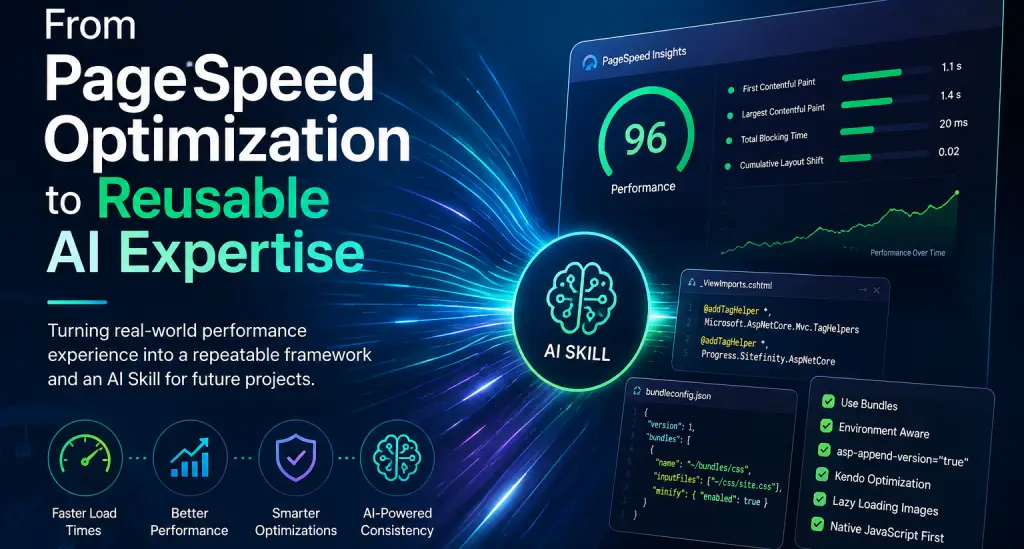
One of the first things I learned during the process was that asset optimization needs a consistent baseline before it needs clever tricks. For example, I now consider having a proper _ViewImports.cshtml file a basic requirement because I want the ASP.NET Core and Sitefinity Tag Helpers available everywhere I need them. That means including Microsoft.AspNetCore.Mvc.TagHelpers and Progress.Sitefinity.AspNetCore, instead of manually working around missing helpers from one view to another.
The same applies to bundling and minification. I prefer having a clear bundleconfig.json strategy so CSS and JavaScript assets are consistently minified instead of relying on individual developers to remember which file should be compressed and which one should not. I also like pairing that with ASP.NET Core's <environment> tag so Development stays readable and easy to debug while non-development environments use the minified versions. This sounds basic, but having it standardized removes a lot of inconsistency across a project.
Another rule that became non-negotiable for me is asp-append-version="true" for eligible local static assets. Once the asset URL is fingerprinted, I can confidently apply long-lived caching without worrying that users will be stuck with an outdated JavaScript or CSS file after a deployment. I typically pair that with around 30 days of static asset caching, although the exact policy can still depend on how the project is deployed and which paths are being served.
Kendo UI ended up being one of the more interesting parts of the optimization because it showed how dangerous it can be to optimize by assumption. The application was loading kendo.all, which obviously provides convenience but also means sending a very large amount of JavaScript to pages that may only need a few components. My first instinct was the obvious one: find calls like .kendoGrid(), .kendoDropDownList(), or .kendoAutoComplete() and include only those individual scripts.
That is only half of the problem, though. Kendo components have dependencies, and some of those dependencies are not obvious from the component name itself. A Grid can need additional scripts based on features such as sorting, paging, menus, toolbars, or page-size selectors. Because of that, replacing kendo.all is not simply a search-and-replace exercise. I have to audit the actual .kendo* usage across the application, understand the configuration being used, and then build the correct dependency chain for the exact Kendo version in the project.
Once that dependency map is understood, I can replace the monolithic bundle with the smaller CDN modules following a pattern such as https://kendo.cdn.telerik.com/{version}/js/kendo.{component}.min.js. The key is that I never want to guess the dependency list. The optimization only counts as successful if the affected components still work across the actual application views after the change.
Images followed the same pattern of "simple idea, contextual implementation." Native lazy loading with loading="lazy" is usually one of the easiest wins available, and I strongly prefer it over adding another JavaScript library just to defer images. But even lazy loading is not something I want to apply blindly. Above-the-fold images, especially hero imagery or anything likely to become the Largest Contentful Paint element, need to be treated differently because lazy loading the wrong image can make a Lighthouse score worse instead of better.
That became part of a broader rule I started applying throughout the project: prefer native browser capabilities whenever they can replace a dependency cleanly. If a small plugin exists only to manage cookies, toggle a class, listen to an event, manipulate a DOM element, or perform some other straightforward task, I now ask whether I actually need that library. In many cases, modern JavaScript already provides everything I need, and removing the dependency improves both performance and maintainability.
I also became much more intentional about third-party scripts. The biggest problem with third-party JavaScript is that it is often added globally because it was convenient when a feature was first introduced, even though only one or two pages actually need it. Maps are a good example. If only a single component needs a mapping library, there is no reason every visitor to every page should download and execute that code.
This type of work made me appreciate that PageSpeed optimization is less about chasing a perfect number and more about understanding the loading behavior of the application. Lighthouse and PageSpeed Insights are extremely useful diagnostic tools, but they are not implementation instructions. A recommendation like "reduce unused JavaScript" still requires me to determine which JavaScript is unused, why it is being loaded, whether another component depends on it indirectly, and what the safest replacement looks like.
That distinction became especially important while validating changes. I did not want to consider an optimization successful just because Lighthouse improved. If I removed 200 KB of JavaScript but broke a carousel, a search component, or a directory grid, then I did not optimize anything. I just introduced a regression that happened to produce a better score.
Because of that, my process evolved into a combination of static analysis, browser validation, and repeated performance measurement. I would identify an optimization opportunity, understand the dependencies, make the smallest reasonable change, verify the relevant functionality, and then measure again. That loop was much safer than trying to apply dozens of PageSpeed recommendations in a single large change.
After repeating this enough times, I realized I had built something that looked a lot like an internal framework. I had rules for asset handling, caching, image loading, third-party scripts, Kendo dependencies, JavaScript replacement, environment configuration, and regression validation. I also had a growing collection of failure modes, which in many ways is even more useful than a list of best practices.
For example, one important lesson was that loading only the Kendo Grid script because the code calls .kendoGrid() is not enough. Another was that applying lazy loading to every image without understanding LCP can hurt the exact performance metric I am trying to improve. Another was that long-lived cache headers without deterministic asset versioning can create deployment problems. These are the kinds of details that are easy to forget when I move to a different project several months later.
That is where the idea of converting the framework into an AI Skill became interesting to me. Instead of keeping all of this information in a long document that I may or may not remember to open, I can package the methodology as a reusable skill that an AI assistant can load when I am working on a PageSpeed-related task. The skill can remind the AI what to look for, what patterns I prefer, which optimizations are considered baseline requirements, and which changes require extra validation.
The important part for me is that the skill is not supposed to blindly modify every project in the same way. It is there to bring reusable engineering judgment into the analysis. For example, it can inspect whether a project already has _ViewImports, determine whether bundleconfig.json exists, look for assets missing asp-append-version, identify usage of kendo.all, search for .kendo* calls, and flag libraries that may be replaceable with native JavaScript.
From there, the AI can build a project-specific optimization plan using the framework as guidance rather than treating it as a rigid script. That distinction matters because Sitefinity projects can vary significantly depending on whether they use legacy MVC widgets, the ASP.NET Core Renderer, custom ResourcePackages, different versions of Kendo, or different frontend architectures entirely.
This is one of the areas where I think AI becomes genuinely useful in software development. I am less interested in asking AI to magically "make the site faster" and more interested in giving it the engineering context that I already know works. The AI can then help me inspect a codebase more thoroughly, apply the same audit process consistently, and surface places where the project deviates from the performance baseline.
There is also a practical knowledge-management benefit. When I discover something new during an optimization, I can update the skill. If a future project exposes another Kendo dependency issue, a different caching edge case, or a better way to scope a Sitefinity script, I do not have to keep that knowledge only in my head. I can add it to the reusable framework and improve the process for the next project.
I like to think of this as converting project experience into reusable engineering infrastructure. The first project pays the cost of investigation, experimentation, validation, and learning. The next project should not need to start from zero if the underlying lessons are still applicable.
That changes how I see AI Skills in general. They are not only prompts or instructions that make an AI behave differently. They can also act as containers for engineering experience. A good skill can preserve the decisions that worked, the shortcuts that failed, the checks that should never be skipped, and the context that usually takes several conversations to explain.
The PageSpeed work started as a straightforward performance improvement initiative, but it ended up giving me a better process for future projects. I now have a clear baseline for ASP.NET Core asset optimization, a safer methodology for reducing frontend dependencies, a validation strategy that protects existing functionality, and an AI Skill capable of carrying those practices into another codebase.
For me, that is probably the most interesting outcome of the entire exercise. Improving one site's performance is valuable, but turning the lessons from that work into something I can reuse and continuously improve is much more scalable. Instead of solving the same problem again later, I can start the next optimization effort with everything I already learned built into the process.